
One look, whole business
Leads, chats, bookings, reviews, deals and more on one screen, each a click from the app that deals with it.
Apps / Run the business
Your home screen: the latest numbers from every app, in one place, read fresh each time you open it. Leads waiting for a reply, today's bookings, new reviews, deals in play.
Dashboard is included in Bluu, $149/month with every standard app.
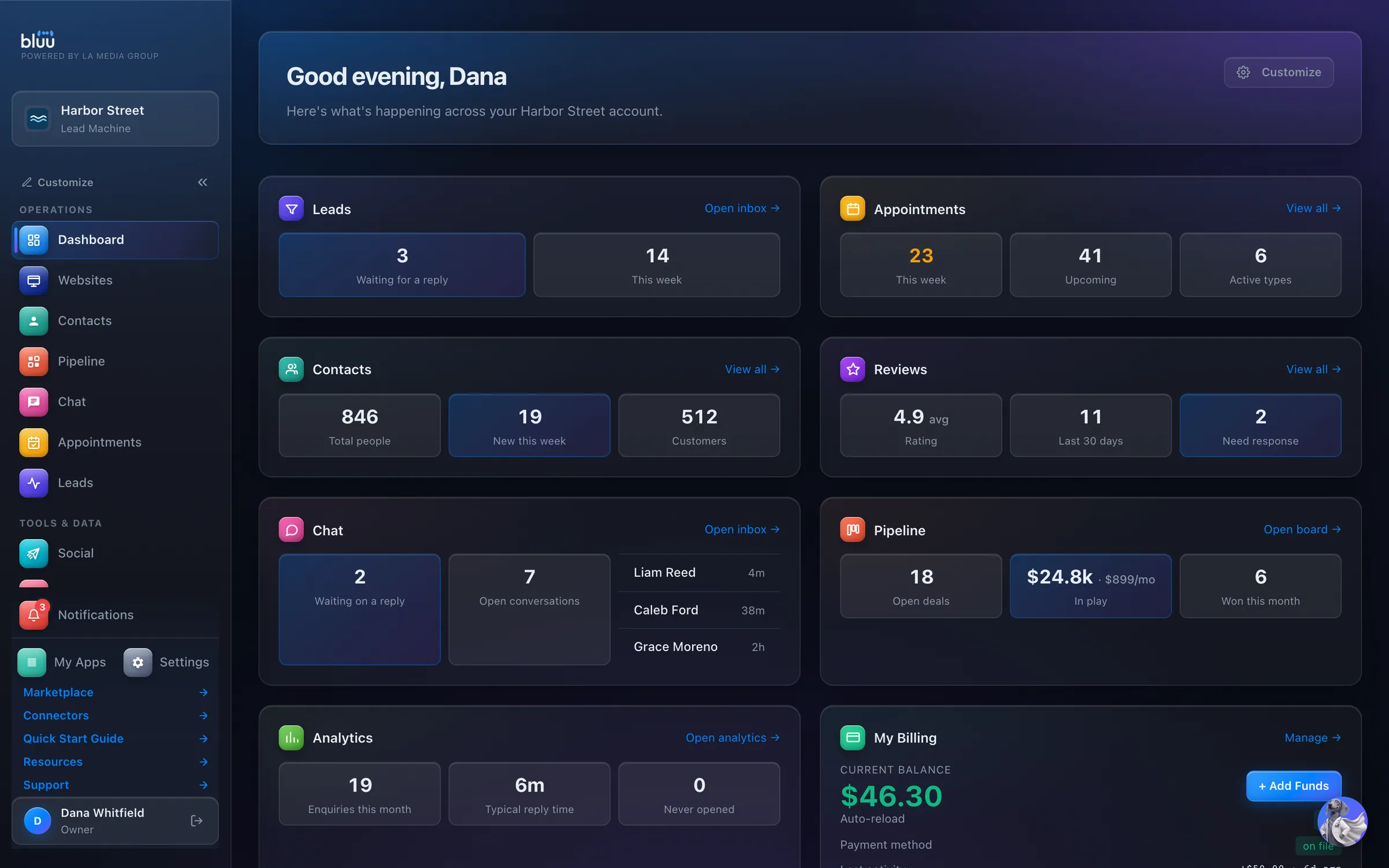
Shown with Harbor Street, a sample business.
What Dashboard does
The Dashboard is the page you land on when you log in. Leads, chats, bookings, reviews, deals and the rest each get a tile with their key numbers and a link straight in, so you can tell whether anything needs you without opening five screens.
It doesn't just count. When a lead has waited over an hour, a deal has gone quiet for two weeks or a live form has never had a response, the tile says so in plain words, right under the numbers.
Everyone on your team arranges their own, and each person only sees the numbers their role allows. The numbers are read fresh every time the page loads, so what you see is current, not last night's.
Leads, chats, bookings, reviews, deals and more on one screen, each a click from the app that deals with it.
The things that slip get flagged before they cost you: a lead left waiting, a deal gone quiet, a form nobody fills in.
Each person sets up their own page, and a tile their role can't open shows locked, with none of its numbers.
At a glance
Each one with its key numbers and a link straight into the app: leads waiting, rating and reviews needing a reply, open deals, won this month.
Drag tiles into a new order, switch any off, set each small, medium or large. Saved per person, so everyone on your team gets their own.
The numbers are read when the page loads, so they're current rather than a nightly snapshot.
A deal with no activity for two weeks, a live form with no responses yet. The things that slip, flagged before they cost you.
An app someone's role can't open shows locked, so nobody sees what they shouldn't.
Install a Marketplace app and it adds its own tile.
How it works
Bluu greets you by name and lays out a tile for each app. Each tile fetches its own numbers the moment the page loads.
Amber lines point at the work, like leads waiting over an hour or open deals with no activity for two weeks.
Every tile has a link in its corner, like Open inbox or Open board. One click and you're in the app, looking at the thing that needs doing.
Press Customize to drag tiles into your own order, set each one Small, Medium or Large, and switch off what you don't need. Save layout keeps it.
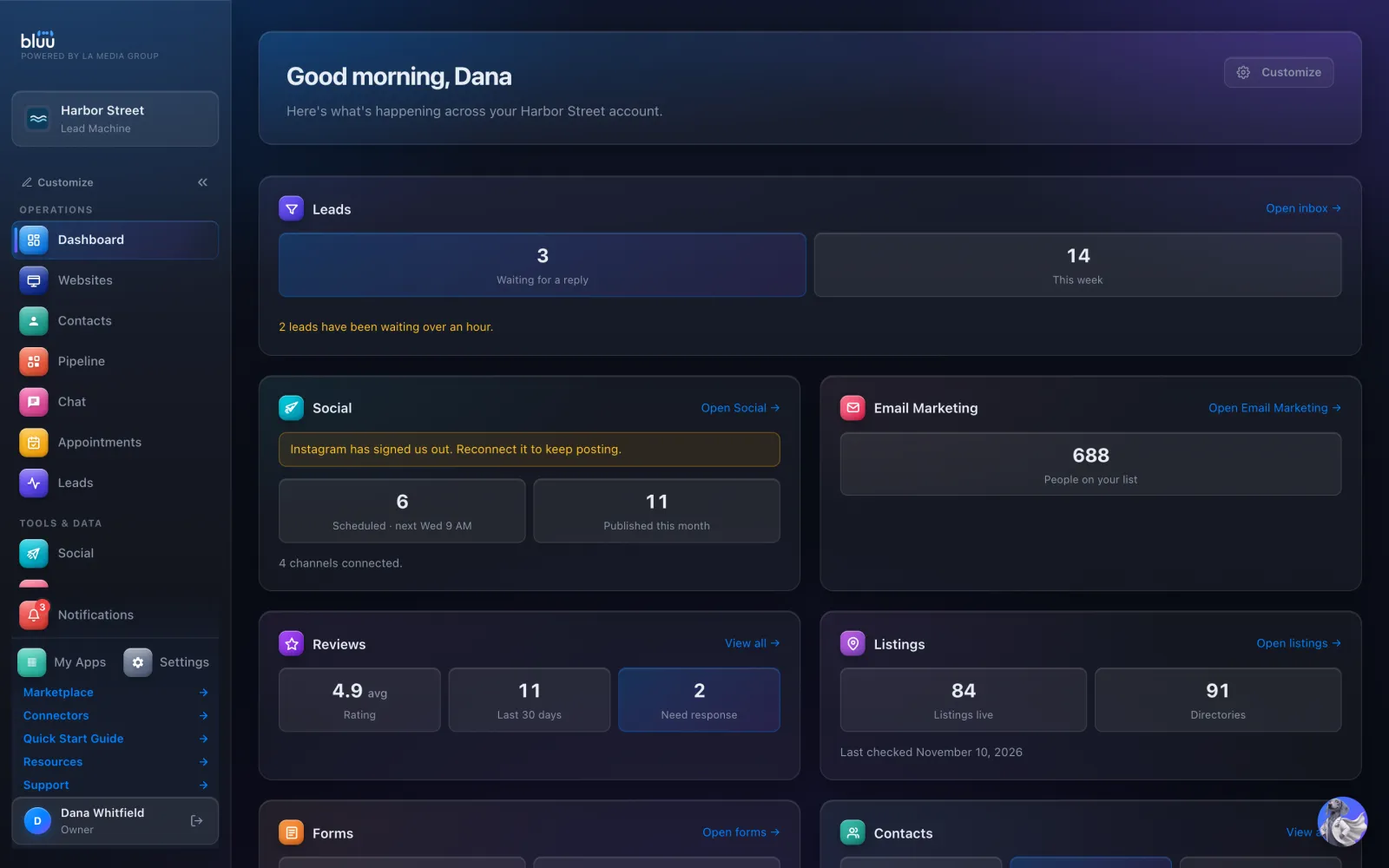
Your front desk sees the tiles their role can open. Anything else shows as a locked card, so nobody sees a number they shouldn't.
In depth
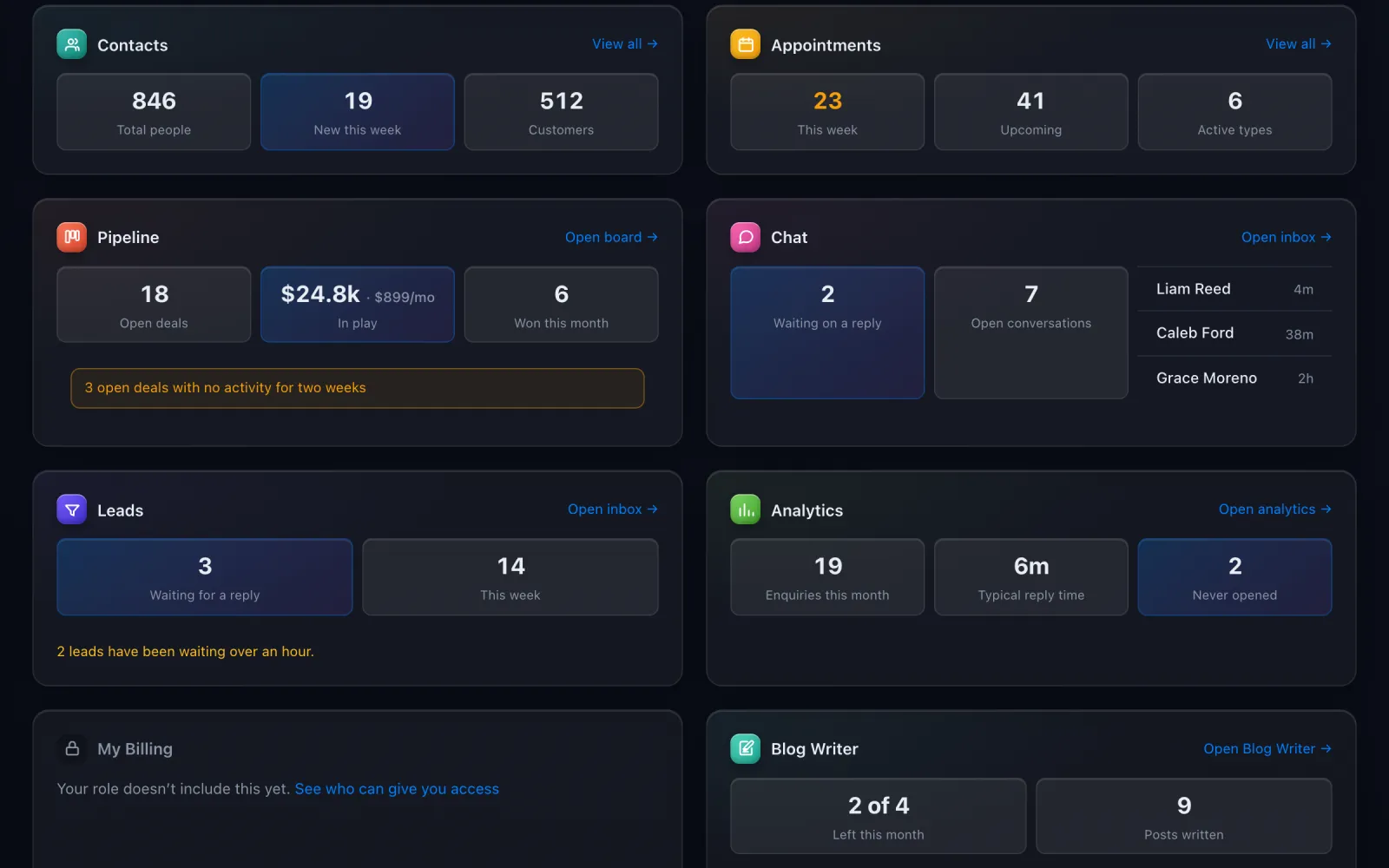
Each tile shows the few numbers that matter for its app, and a link straight into it.
A number on its own leaves you to work out what it means. These lines tell you.
Press Customize and the page is yours. Nobody else's changes.
Unlimited logins, each one seeing what their role allows.
See more of it
It talks to the rest of Bluu
No. Each person arranges their own with Customize, and it's saved to them. Changing yours never changes a colleague's.
Not by default. My Billing is for owners only, so managers and staff see a locked card with none of its numbers. You decide what each role can open in Settings > Roles.
They're read fresh every time the page loads, not from a nightly report. To see the very latest, reload the page.
Either you switched it off in Customize, or it belongs to a Marketplace app your business hasn't installed. Websites has no tile of its own. A tile your role can't open doesn't vanish: it shows as locked.
The tiles point you to the work. Replying, approving and moving things happens in each app, one click away.
Yes. It comes with every Bluu plan. Apps that are added separately, like Email Marketing or Listings, show a short line about the app until they're switched on.

Start free for 7 days. Then $149 a month, locked in.